Teams & roles
Organizations are shared workspaces. Invite teammates and control what each can do with role-based access control (RBAC).
Every member of an organization has one of four roles:
| Role | Can do |
|---|---|
| Owner | Everything, including billing, deleting the org, and managing members. |
| Admin | Manage projects, services, members, and most settings — not org deletion/billing ownership. |
| Member | Create and manage projects and services (deploy, edit, scale). |
| Viewer | Read-only — view projects, services, logs, and metrics; no changes. |
Your personal organization always has you as owner.
Invite teammates
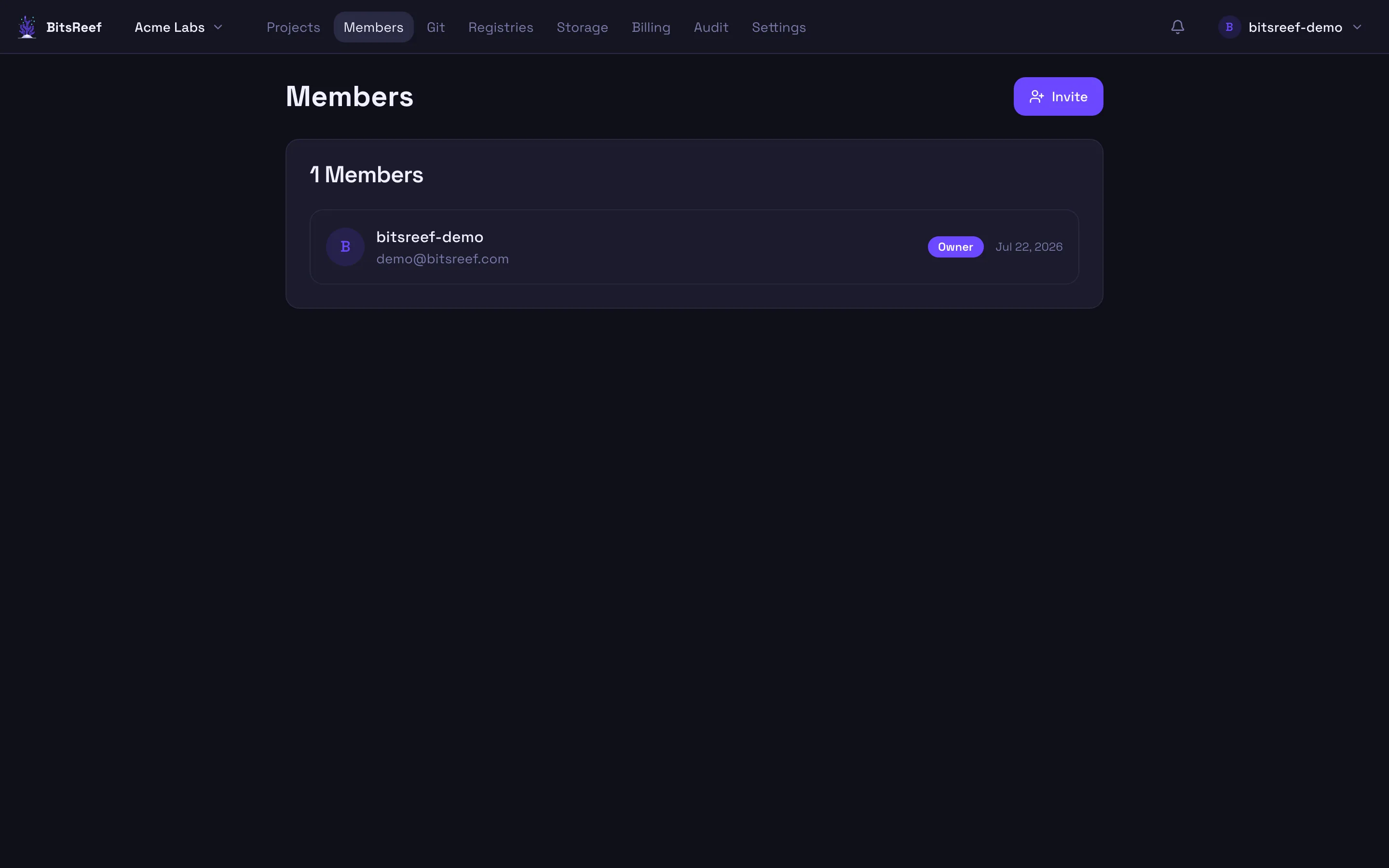
Section titled “Invite teammates”In the dashboard, open Members from the top nav and invite someone. Enter their email and pick a role. They receive an invite and join once they accept.
Change or remove members
Section titled “Change or remove members”Owners and admins can change a member’s role or remove them from the Members list. Ownership can be transferred by an owner.
How access is enforced
Section titled “How access is enforced”Roles are enforced on every request — through the dashboard and the CLI alike. Actions you don’t have permission for are hidden in the UI and rejected by the backend, so a viewer’s token can’t be used to deploy.