Deploy from Git
Instead of building an image yourself, you can connect a Git repository and let BitsReef build it into a container image and deploy it — in a sandboxed builder with restricted network egress.
1. Connect a Git provider
Section titled “1. Connect a Git provider”In the dashboard, open Settings → Git and connect your GitHub or GitLab account via OAuth. This lets BitsReef list your repositories and pull source for builds.
2. Create a service from a repo
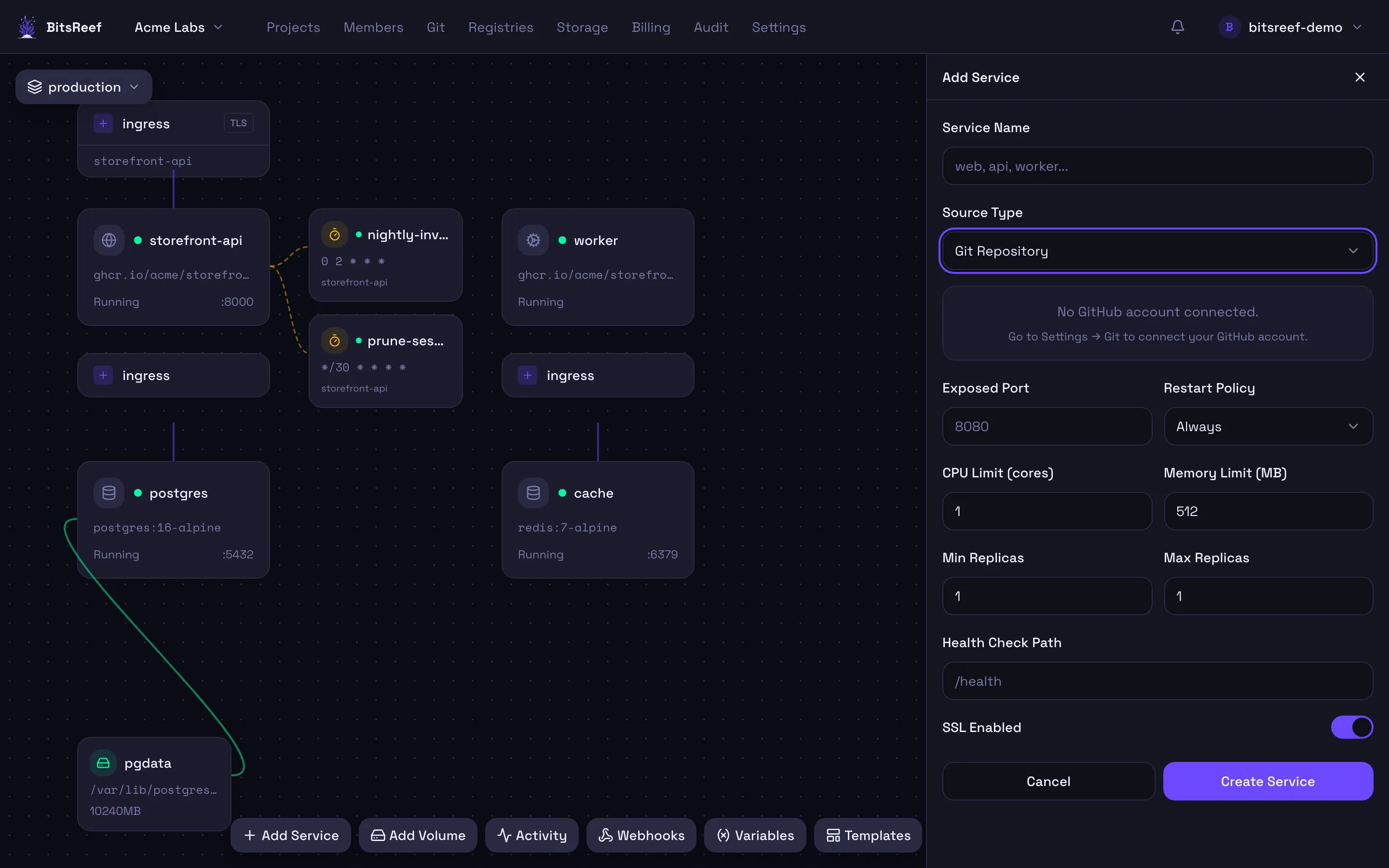
Section titled “2. Create a service from a repo”- On the project canvas, click Add Service and give it a name.
- Set Source Type to Git Repository.
- Pick the Repository (search your connected repos) and the branch.
- If your repo has a Dockerfile, point to it (and a build context if needed); set the Port your app listens on.
- Click Create Service. The build runs in a sandbox — watch the build logs live in the service’s Deploys tab.
How builds work
Section titled “How builds work”- Builds run on isolated worker nodes in a restricted sandbox — no access to host resources and limited outbound network.
- A successful build produces an image that’s stored and rolled out as a normal service.
- Each build+deploy is recorded as a deployment with its logs, so you can roll back.
Redeploys
Section titled “Redeploys”Trigger a rebuild from the service’s Deployments tab in the dashboard, or from the CLI:
bitsreef deploy rebuild --service webbitsreef deploy status # watch recent deployments