Billing & usage
BitsReef bills per organization based on the resources your services consume.
What drives cost
Section titled “What drives cost”Usage is metered from what your services actually run:
- Compute — the CPU and memory allocated to your service replicas, over time.
- Replicas — more replicas (fixed or via autoscaling) means more compute.
- Storage — volumes and object storage.
Because compute is metered over time, stopping or scaling down services you’re not using directly reduces cost.
Manage billing
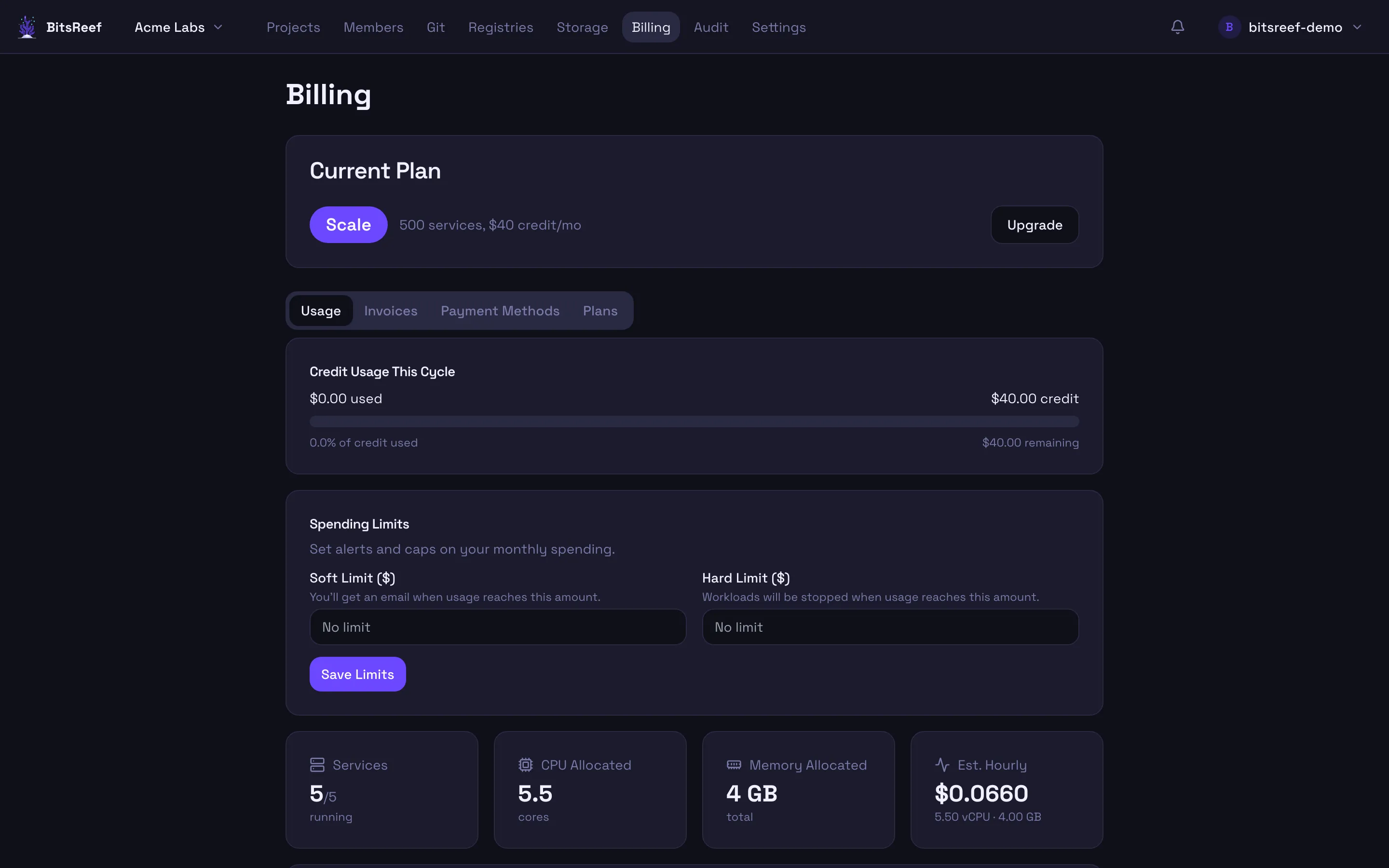
Section titled “Manage billing”In the dashboard, open Billing from the top nav to:
- Add or update a payment method.
- See current usage for the billing period.
- View and download invoices.
Billing is managed by the organization owner (see Teams & roles).
Keep an eye on usage
Section titled “Keep an eye on usage”Check a service’s live resource usage anytime:
bitsreef metrics --service webUse this to right-size CPU/memory limits and replica counts so you’re paying for what you need.