Storage & volumes
BitsReef gives you two kinds of storage: volumes for persistent filesystem data attached to a service, and storage buckets for S3-compatible object storage.
Volumes
Section titled “Volumes”A volume is persistent disk mounted into a service’s container — data survives redeploys and restarts. Volumes are scoped to a project.
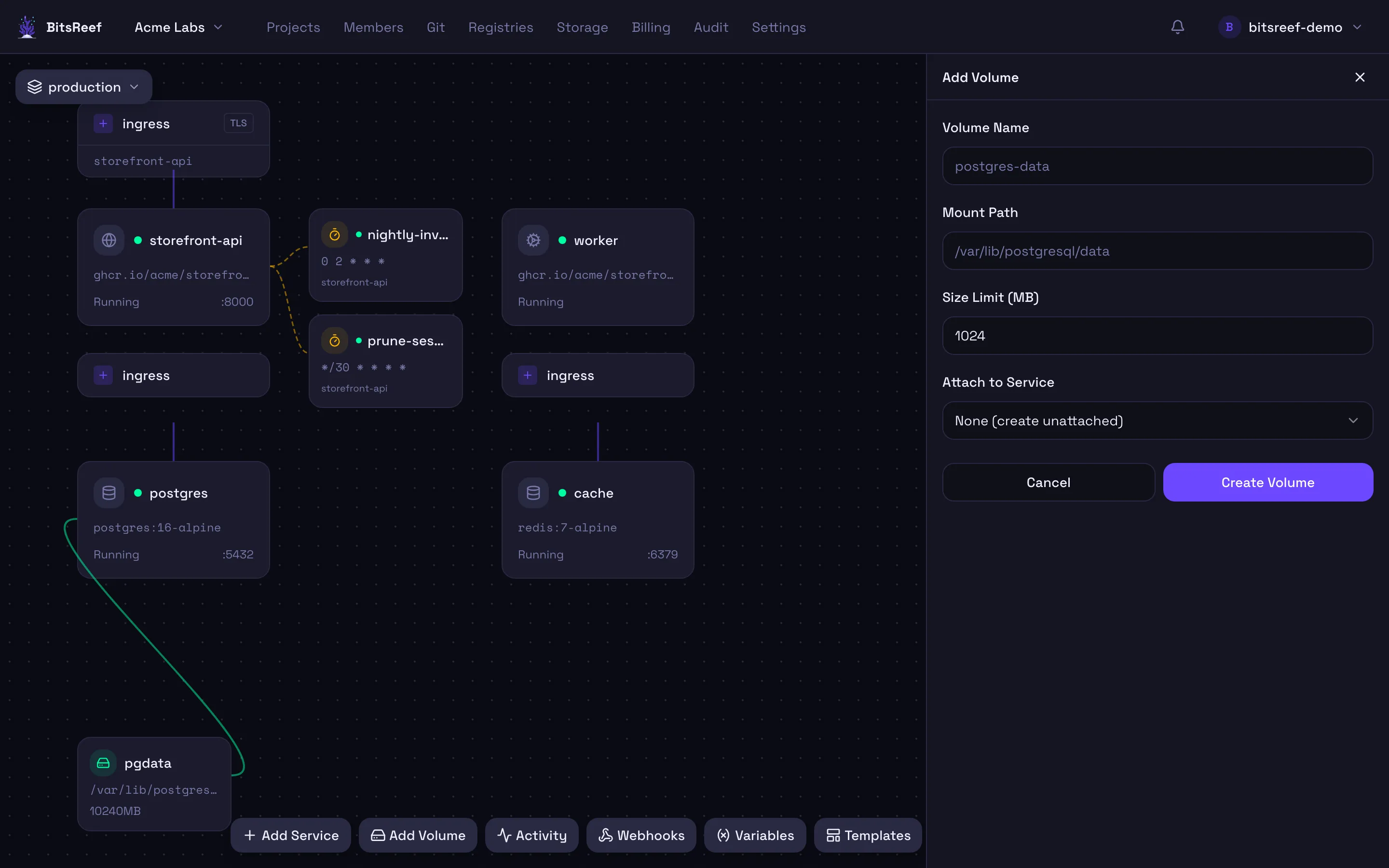
- On the project canvas, click Add Volume in the bottom toolbar.
- Give it a name, a size limit (MB), and the mount path inside the
container (e.g.
/data). - Optionally attach it to a service, then create.
Storage buckets
Section titled “Storage buckets”Buckets provide S3-compatible object storage for files your app reads and writes at runtime — uploads, exports, backups.
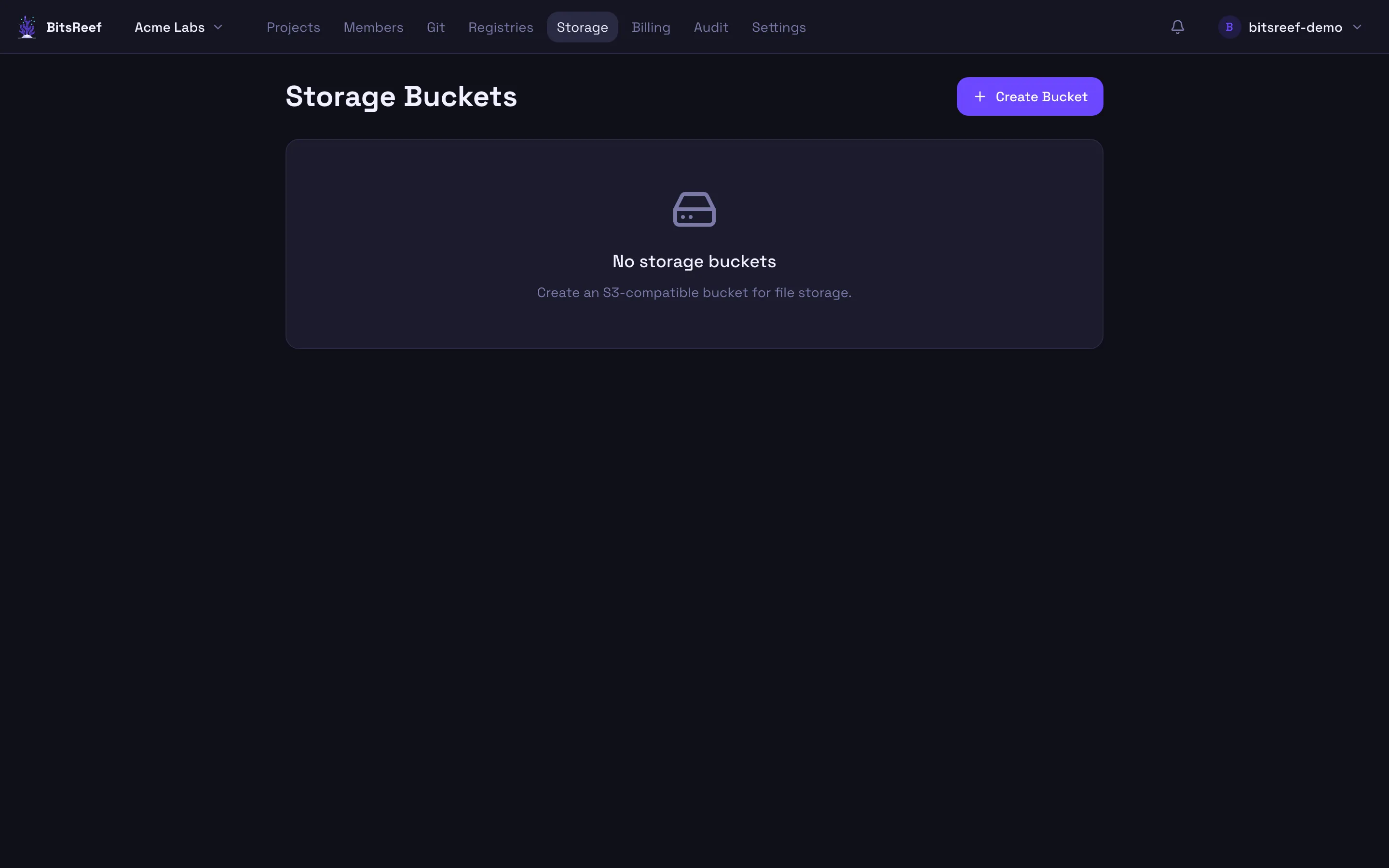
- Open Storage from the top nav and create a bucket.
- Open the bucket to browse objects, upload files, and manage folders directly in the dashboard.
- For programmatic access, use the bucket’s credentials and endpoint with any
S3-compatible client (AWS SDK,
aws s3,mc, …).
Volumes vs. buckets
Section titled “Volumes vs. buckets”Use a volume when your app expects a local filesystem path. Use a bucket when you want object storage addressable over an S3 API — especially for content shared across replicas or accessed from outside the container.
From the CLI
Section titled “From the CLI”Volumes are scriptable from the CLI (buckets are managed in the dashboard):
bitsreef volumes create data --size 512 --mount /data --service webbitsreef volumes listbitsreef volumes delete data