Serverless functions
Functions let you run small snippets of code without managing a long-running service — triggered over HTTP or on a cron schedule. Supported runtimes: Python, Node, Deno, and Bun.
From the dashboard
Section titled “From the dashboard”- Open your project and go to the Functions panel.
- Click New function and give it a name.
- Pick a runtime and paste (or write) your code.
- Choose a trigger — HTTP (get an endpoint to call) or Cron (set a schedule).
- Optionally set a timeout and memory limit, then save.
The Functions panel opens from the toolbar at the bottom of the project canvas.
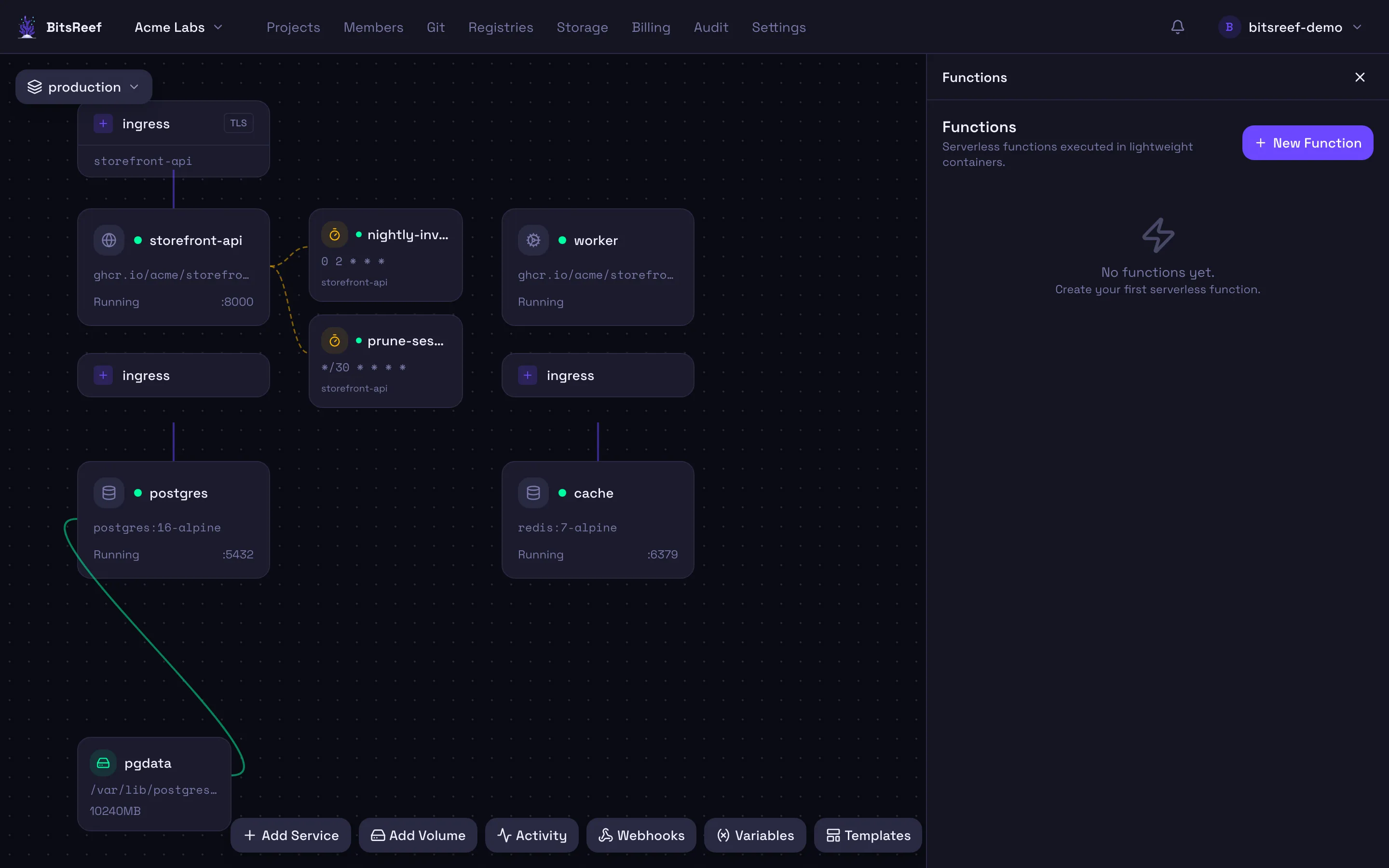
Invoke it from the panel, and view recent runs — status, duration, and output — in its invocation history. HTTP-triggered functions also expose an endpoint path you can call directly.
From the CLI
Section titled “From the CLI”# Inline code, or from a file:bitsreef functions create my-project hello --runtime python --code 'print("hi")'bitsreef functions create my-project hello -r node -f ./handler.js --trigger cron --cron "0 * * * *"
bitsreef functions invoke my-project <function-id>bitsreef functions history my-project <function-id>bitsreef functions update my-project <function-id> --file ./handler.jsbitsreef functions delete my-project <function-id>Functions vs. services
Section titled “Functions vs. services”Reach for a function for event-driven or scheduled snippets. Reach for a service when you need a long-running process, a full web server, or a custom container image.
See also
Section titled “See also”- Cron jobs — scheduled commands inside a running service.